In this tutorial, we will create a simple system that make camera automatically follow a group of marbles in Algodoo.
Create the controller
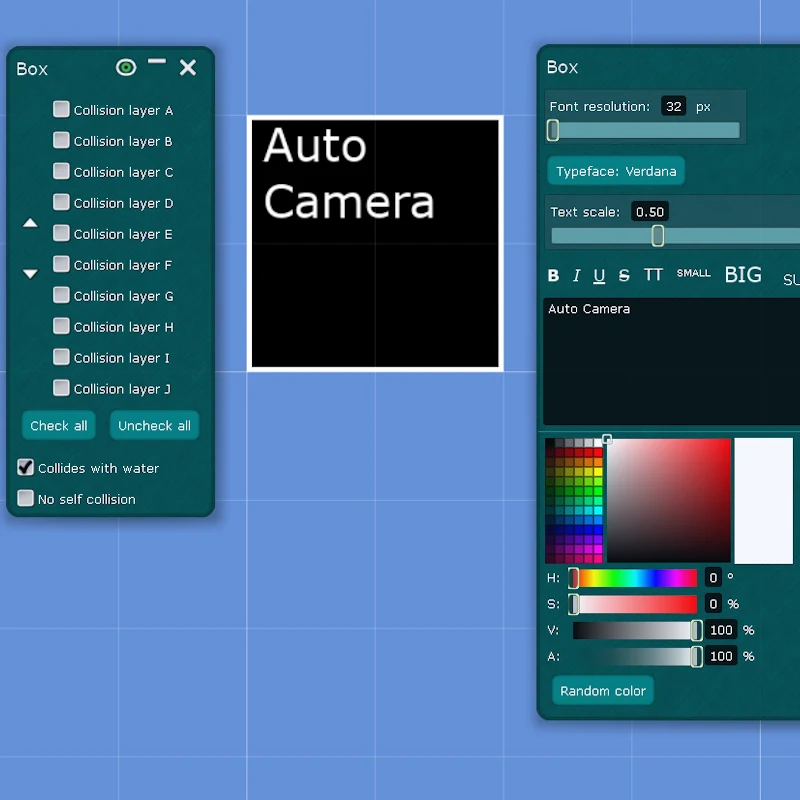
Create a box and name it "Auto Camera". This box will act as the camera controller, it stores the marbles list and controls the camera.
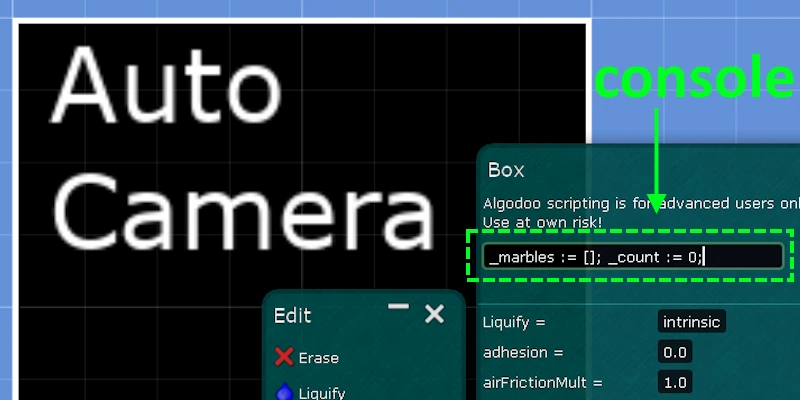
We make global reference to this controller and create a function to add marble to list. Paste this into console in script menu:
_marbles := [];
_count := 0;

postStep = (e) => {
    scene.temp.autoCamera = e.this;
    postStep = (e) => {}
};

_addMarble := (marble) => {
    _marbles = _marbles ++ [marble];
    _count = _count + 1
};
Marble Script
Each marble must register itself to the controller.
postStep = (e) => {
    sim.tick > 1 ? {
        scene.temp.autoCamera._addMarble(e.this);
        postStep = (e)=>{}
    } : {}
}
Camera Script
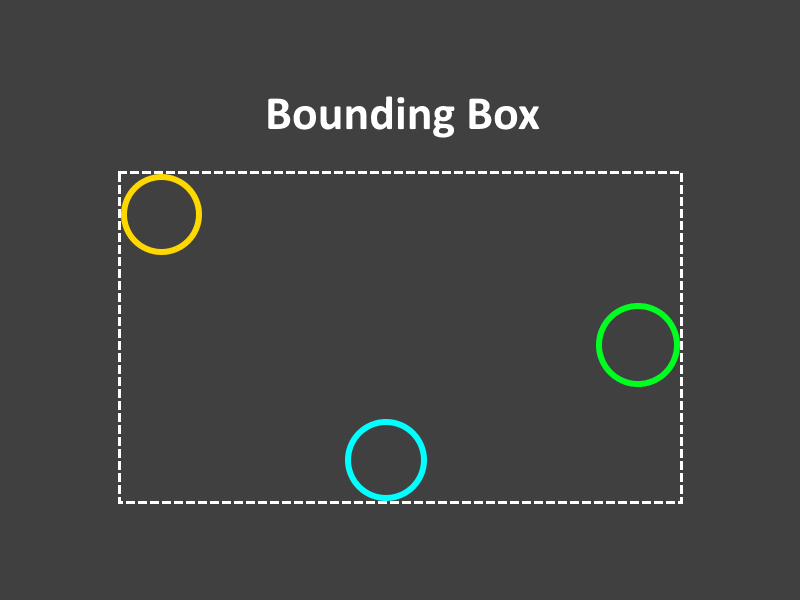
To control the camera, we need to know where to center it and how much to zoom. We do this by calculating a bounding box around all marbles.
Back in the "Auto Camera" box, define an update camera function.
_updateCamera := (dt) => {
    _calculateBound;
    _move(dt);
    _zoom(dt)
};
Now add calculate bounding box function. This finds the outer edges, width and height.
_left := 0;
_right := 0;
_top := 0;
_bot := 0;
_w := 0;
_h := 0;

_calculateBound := {
    _right = -inf;
    _left = +inf;
    _top = -inf;
    _bot = +inf;

    for(_count, (i) => {
        marble := _marbles(i);
        marble.pos(0) > _right? { _right = marble.pos(0) } : {};
        marble.pos(0) < _left? { _left = marble.pos(0) } : {};
        marble.pos(1) > _top? { _top = marble.pos(1) } : {};
        marble.pos(1) < _bot? { _bot = marble.pos(1) } : {}
    });

    _w = _right - _left;
    _h = _top - _bot
};
Once we have the bouding box, we can calculate the center point and use lerp to smoothly move the camera toward that point.
_moveSpeed := 2;

_move := (dt) => {
    center := [(_left + _right) * 0.5, (_top + _bot) * 0.5];
    scene.camera.pan = math.lerp(scene.camera.pan, center, _moveSpeed* dt)
};
Next, we want to keep marbles in view. We will find the greatest distance by compare width and height of bouding box and use lerp to adjust zoom smoothly.
_zoomSpeed := 2;
_zoomLimit := [40, 100];
_distanceLimit := 20;

_zoom := (dt) => {
    dist := math.max(_w, _h);
    zoom := math.lerp(_zoomLimit(1), _zoomLimit(0), dist / _distanceLimit);
    zoom = math.clamp(zoom, _zoomLimit(0), _zoomLimit(1));
    scene.camera.zoom = math.lerp(scene.camera.zoom, zoom, _zoomSpeed * dt)
}
Finally, update postStep to call _updateCamera:
postStep = (e) => {
    scene.temp.AutoCamera = e.this;
    postStep = (e) => {
        _updateCamera(e.dt);
    }
};
Adjust _moveSpeed, _zoomSpeed, _zoomLimit and _distanceLimit to fit your need.